The problem
I was building a garden wall. Not a complicated one — a straight retaining wall along a fence. But I had a constraint that made it surprisingly tricky: a fixed set of stones in four different shapes and sizes, and I wanted to use all of them without having to buy more.
Shape A, shape B, shape C, shape D — each in a specific quantity. The question was simple: can I design a wall that uses every single stone? And if so, what does the layout look like?
No tool for this
I looked around. There are plenty of garden design apps, CAD tools, and brick calculators out there. But none of them let me do what I needed: define a fixed inventory of stone shapes, then visually plan a wall in 3D, snapping blocks to a grid, while the tool tracks how many of each shape I have left.
The alternative was dry-laying the entire wall without mortar, rearranging stones by hand until the pattern looked right, then taking it all apart and doing it again for real. That's hours of heavy manual labor just to plan. Or I could just build the tool myself.
Enter Claude
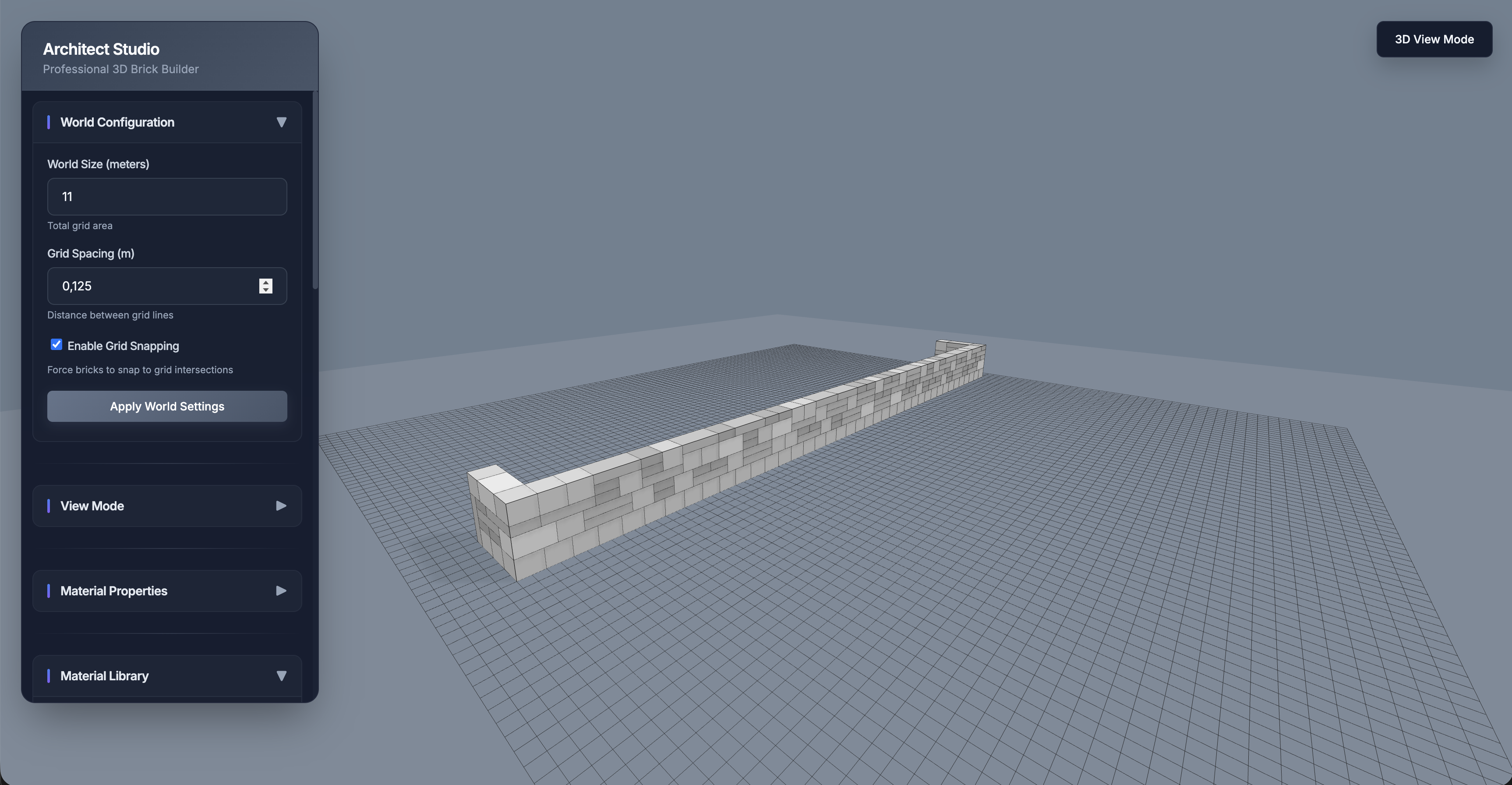
I used Claude to build the entire app. The core is a Three.js scene with orbit controls, a configurable grid, and custom brick objects you can place, move, and stack. The key features that made it actually useful:
- Supply tracking — I entered my exact stone inventory. The app tracks how many of each shape I've placed and how many remain. No guessing.
- Grid snapping — Bricks snap to grid intersections so everything lines up. The grid spacing is configurable down to the centimeter.
- Gravity physics — Drop a brick and it falls to the surface or stacks on top of existing bricks. This made it easy to build up rows naturally.
- 2D/3D view modes — Switch between a full 3D orbit view and orthographic top/front/side views for precise alignment.
- Presets and saving — Save brick configurations as templates and reload designs later.
The whole thing runs in the browser with Vite. No backend, no accounts, no complexity.
From screen to garden
The best part: it worked. I planned the wall in the app, figured out the exact layout that used every stone, and then built it in real life. The 3D model matched what I ended up constructing — same dimensions, same stone arrangement, same shape.
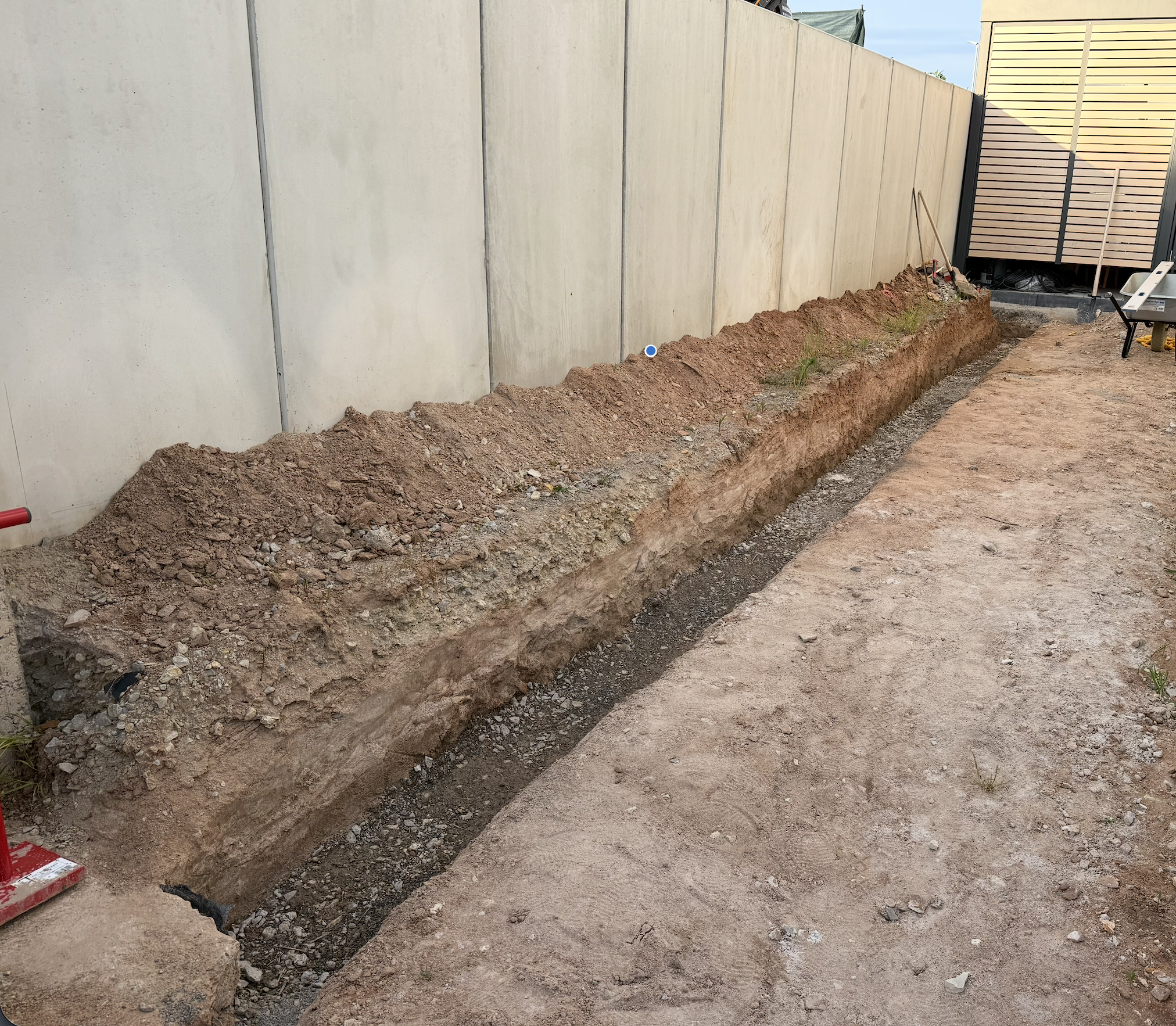
It started with a trench:
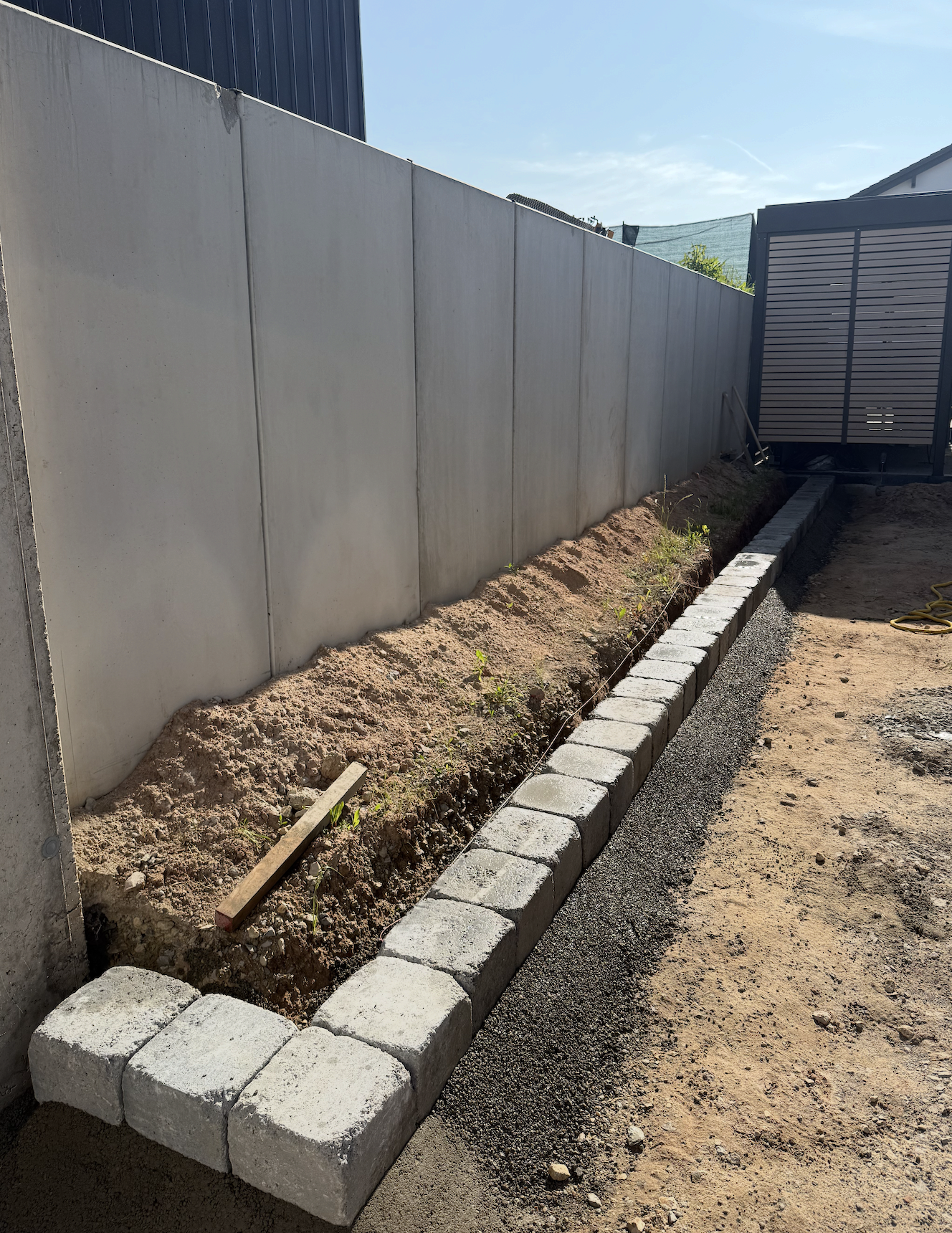
Then the first row went down, following the plan from the app:
And the finished wall — every stone used, none left over:
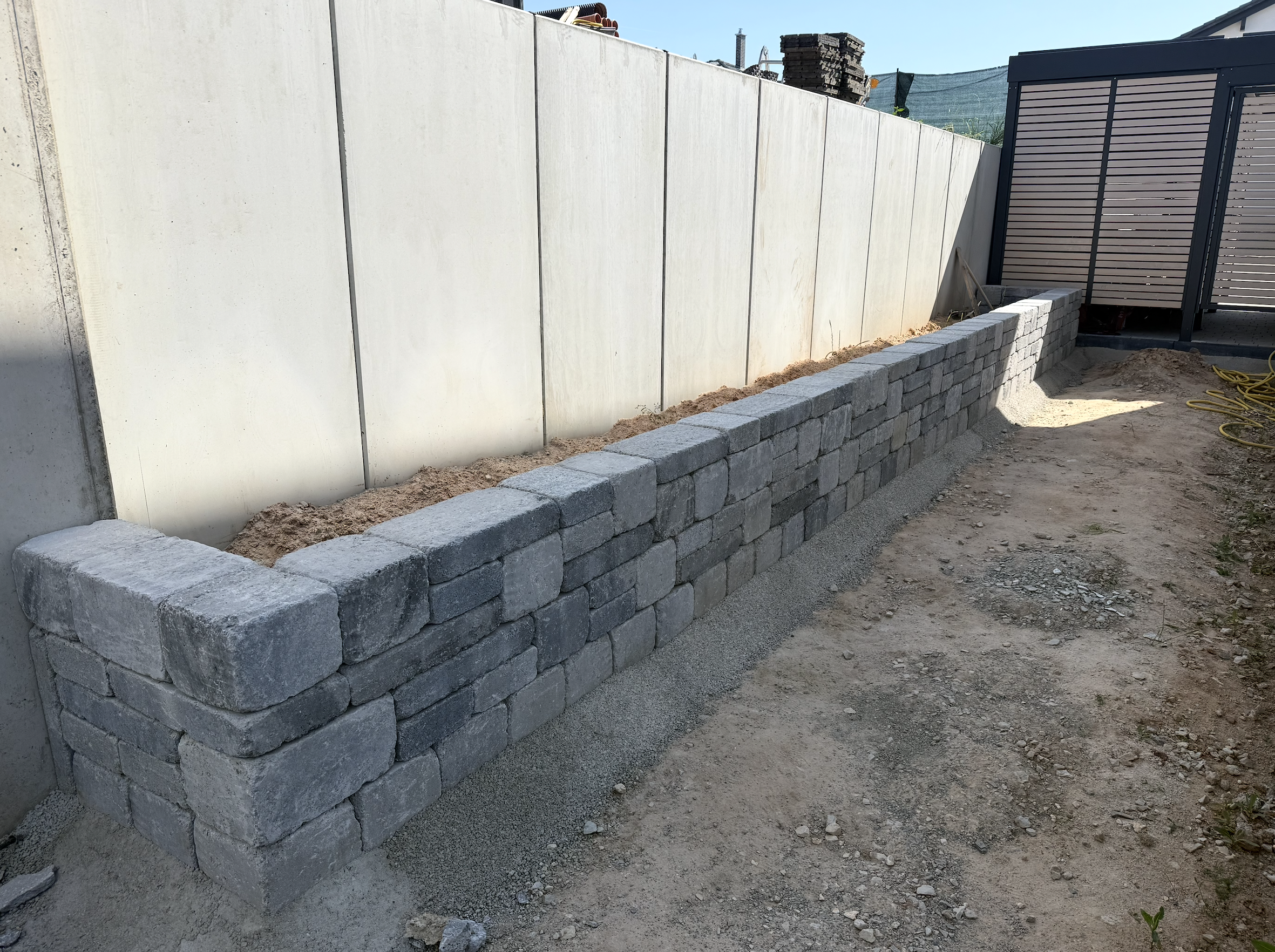
Going from a dug-out trench to a laid first row to the finished wall, following the plan I'd designed in the browser — that was satisfying in a way that pure software projects rarely are.
The takeaway
Sometimes the most useful thing you can build is the thing nobody else would bother making. A 3D wall planner for a very specific pile of stones isn't going to be a product. But it solved my problem in an afternoon, saved me from buying extra materials, and — most importantly — saved me from having to dry-lay the entire wall by hand just to figure out the arrangement. Now I have an app for that, and the wall is still standing.
The tool is live at brickbuilder.devchris.net if you want to play with it.